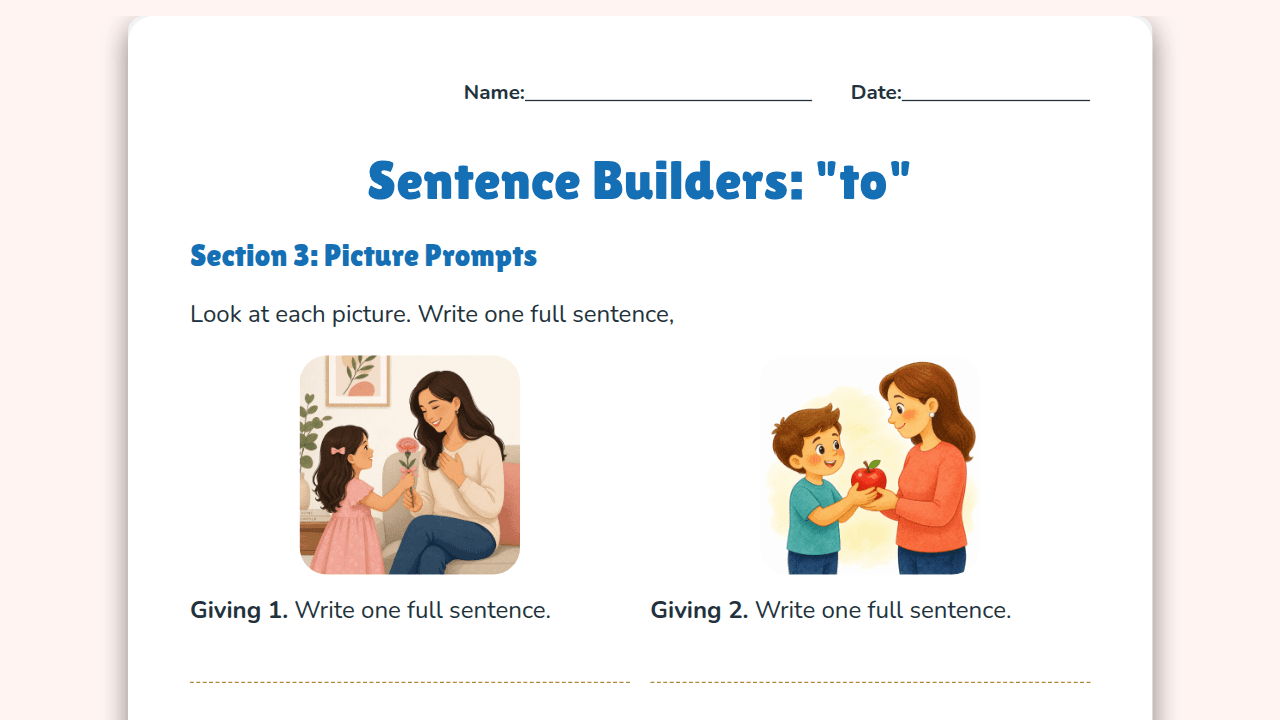
 🥇 Sheet of the week
Sentence Builders: Using "are" and "to"
Jamie Botero
Grammar · Year 4 · Australia
Lesson slides and a worksheet, in one click.
Or try one of these
🥇 Sheet of the weekJamie Botero
Grammar · Year 4 · Australia
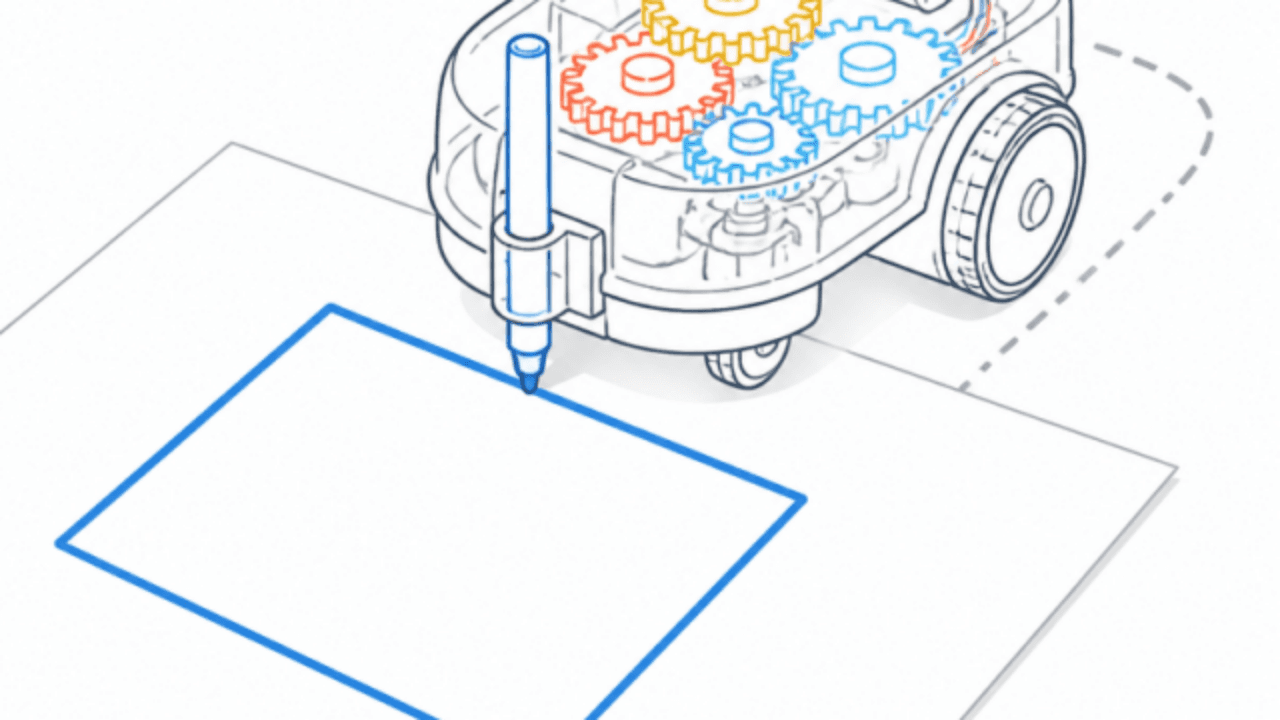 🏆 Lesson of the week
Leo Hartmann
Computing · Year 5 · Australia
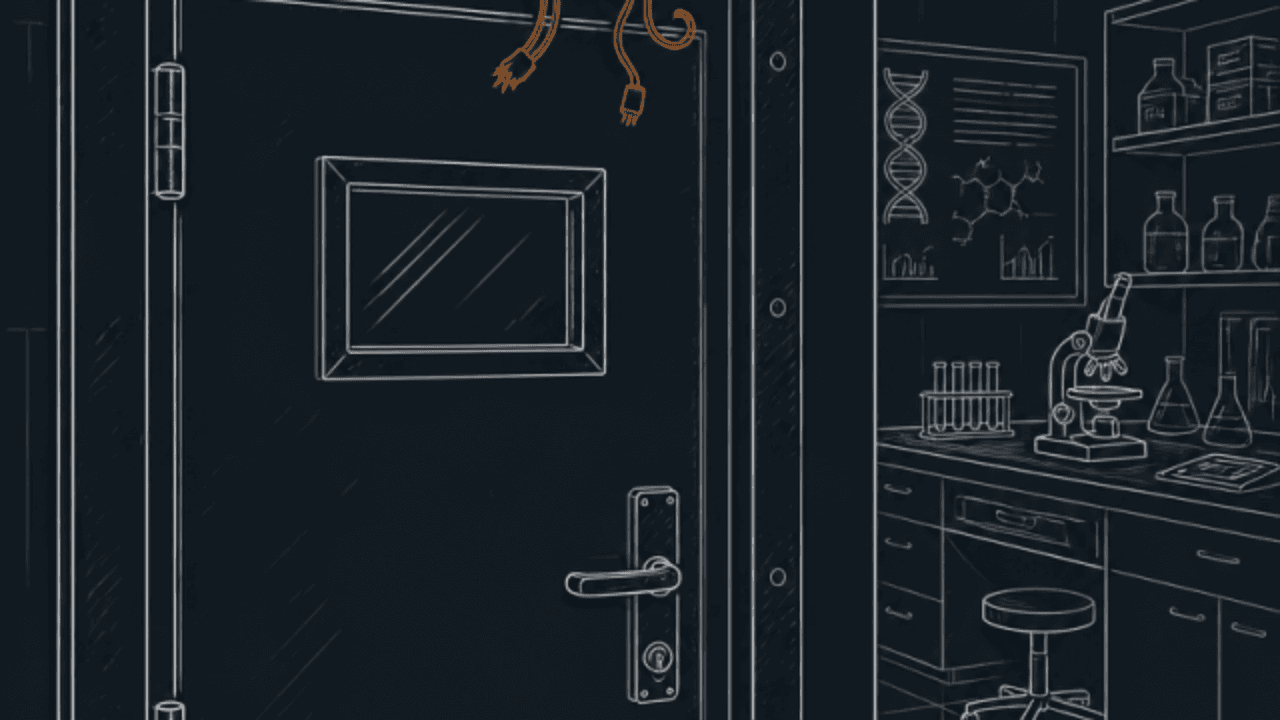
B.F
Science · Year 8 · Australia
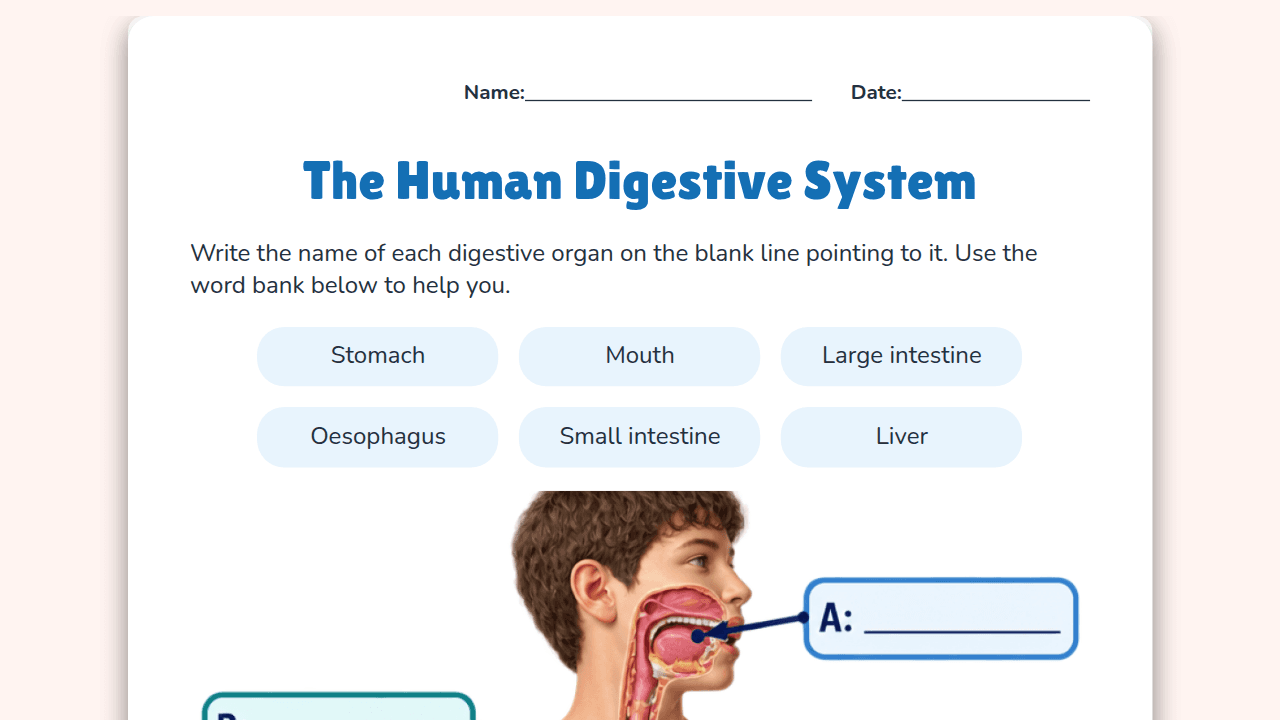
Ella F.
Biology · Year 5 · Australia


E H
Social Emotional Learning · Foundation · Australia


Jane Moglia
English · Year 1 · Australia
Amanda Murphy
Languages · Year 4 · Australia
M.S
Math Puzzles · Year 5 · Australia
Liam Fraser
Science · Year 2 · Australia
Can I turn an article or website into a lesson?
Chalkie uses a readable web page, such as a Wikipedia article, to create lesson slides and a matching worksheet. Paste the page URL, choose your grade and language, then click Create. Review the source and generated content for accuracy and suitability before using it with students.
Built around your source
An article can be rich in ideas but difficult to teach straight from the screen. Build a lesson and practice questions around its content.
Build on material you have chosen for your class.
Generate a worksheet alongside the lesson slides.
Review and edit the output for your students.
Choose a publicly accessible article or Wikipedia page, or try one of the links above.
Select a grade and output language. Choose an example or add your own source, then click Create.
Click Create to generate lesson slides and a worksheet. Review both resources and edit them for your class.
This example started with the solar-system article available above. The lesson introduces the topic through slides, and the accompanying worksheet provides practice. These samples show one generated result, not a guaranteed layout.
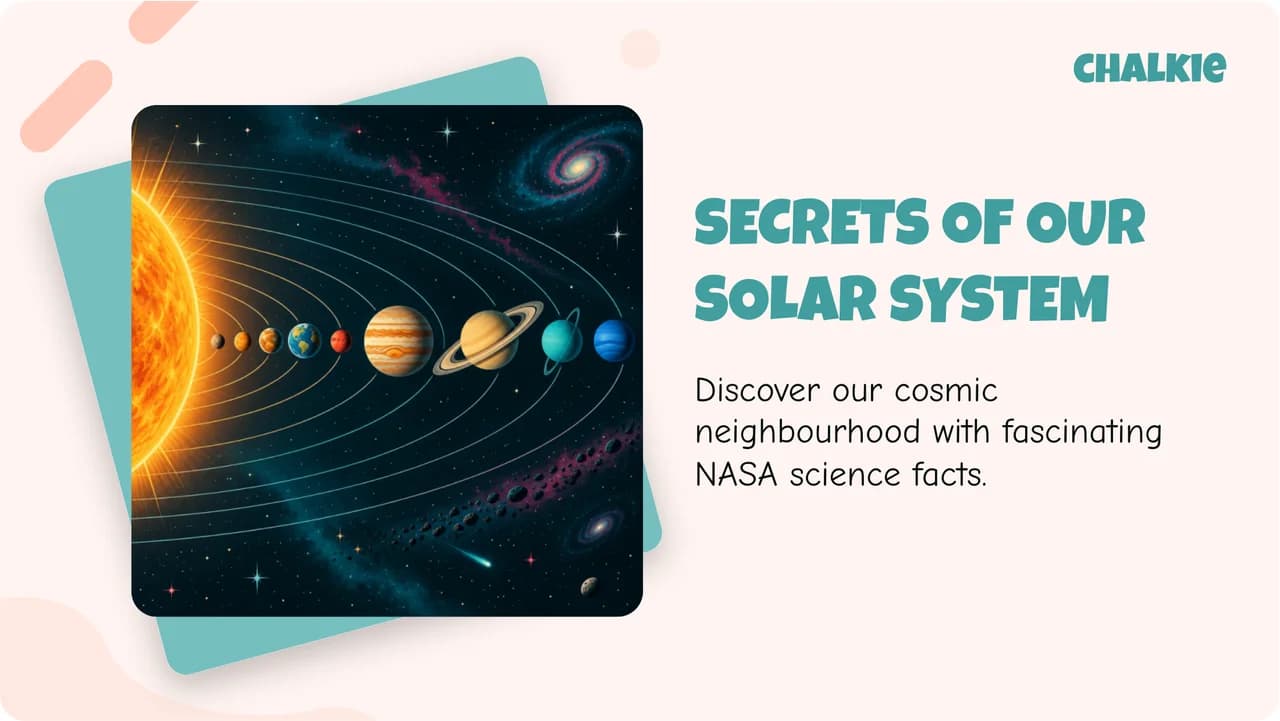
Lesson slides
An actual slide from this example generation. Adjust the wording, explanations and activities to suit the students you teach.
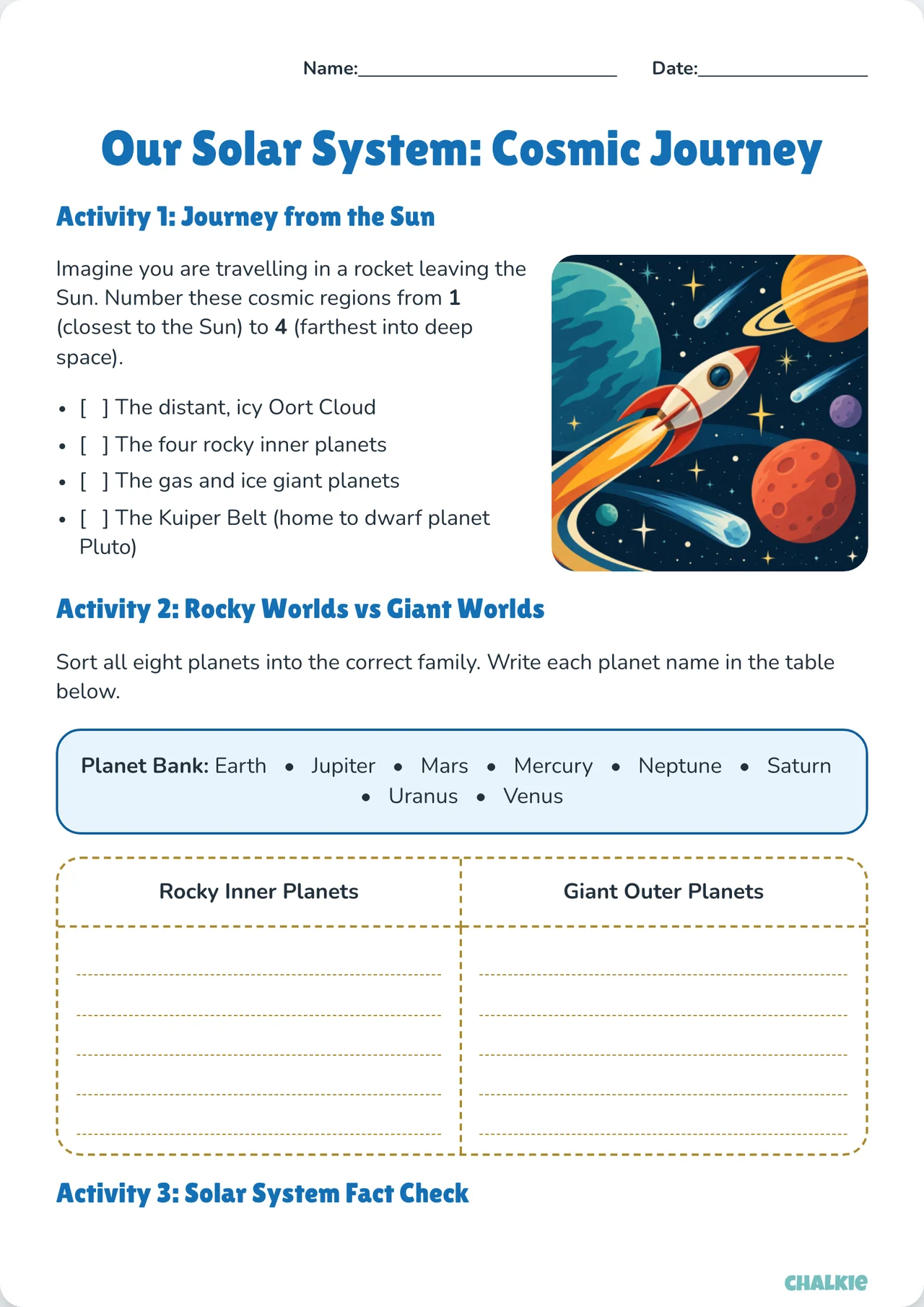
Matching worksheet
An actual worksheet from the same generation. Review the questions and adapt them before sharing with your class.
Designed with teachers for teachers.
Create lessons and activities faster than ever before. We're here to give you back the time and freedom to focus on what's important. Inspiring children in the classroom.
Loved by educators worldwideLoved by educators all over the world
I’m an experienced Science teacher with over 20 years in the classroom, and I’ve been using Chalkie to create slideshows and activity sheets for my senior Biology and Psychology classes. It has genuinely saved me so much time in lesson preparation. I really like that it links dir…
Chalkie is the best thing since sliced bread!!!!! Creating lessons with Chalkie is just a breeze, without removing control over the content, formatting, you name it. You still have the ability to create a lesson, or series of lessons exactly to your level of quality. The best thi…
I’m a primary school teacher currently in the early years. I have 20 years experience and Chalkie has been a great timesaver. It produces great slides with minimal editing on any curriculum topic which has been great to introduce a topic or recap what’s been learned. Worth trying…
What takes me hours to do, Chalkie does in minutes. I can choose the approach Chalkie AI takes (Rosenshine; 5Es; I do, We do, You do; slow release with review): AWESOME work guys. I can adjust and add if time permits and I can spend more time with my partner, my cats and my year…
I rate Chalkie very highly. As a Year 7–12 Maths teacher, I’ve found it to be a huge time-saver for lesson planning, creating presentations, and building differentiated worksheets. One of its best features is how easily it can generate materials and questions that cater for stude…
I'm a semi-retired teacher dabbling in private lessons on the Internet. Trained as an English/history teacher, i mainly give lessons in English as a Second Language (ESL) these days, but also language and literature for high school students. Chalkie is user-friendly software harn…
More for teachers
Ready when you are
Choose a source and class level to create lesson slides and a worksheet.
Create a lessonAlready have an account? Log in →